
01
The organizer creates the tournament
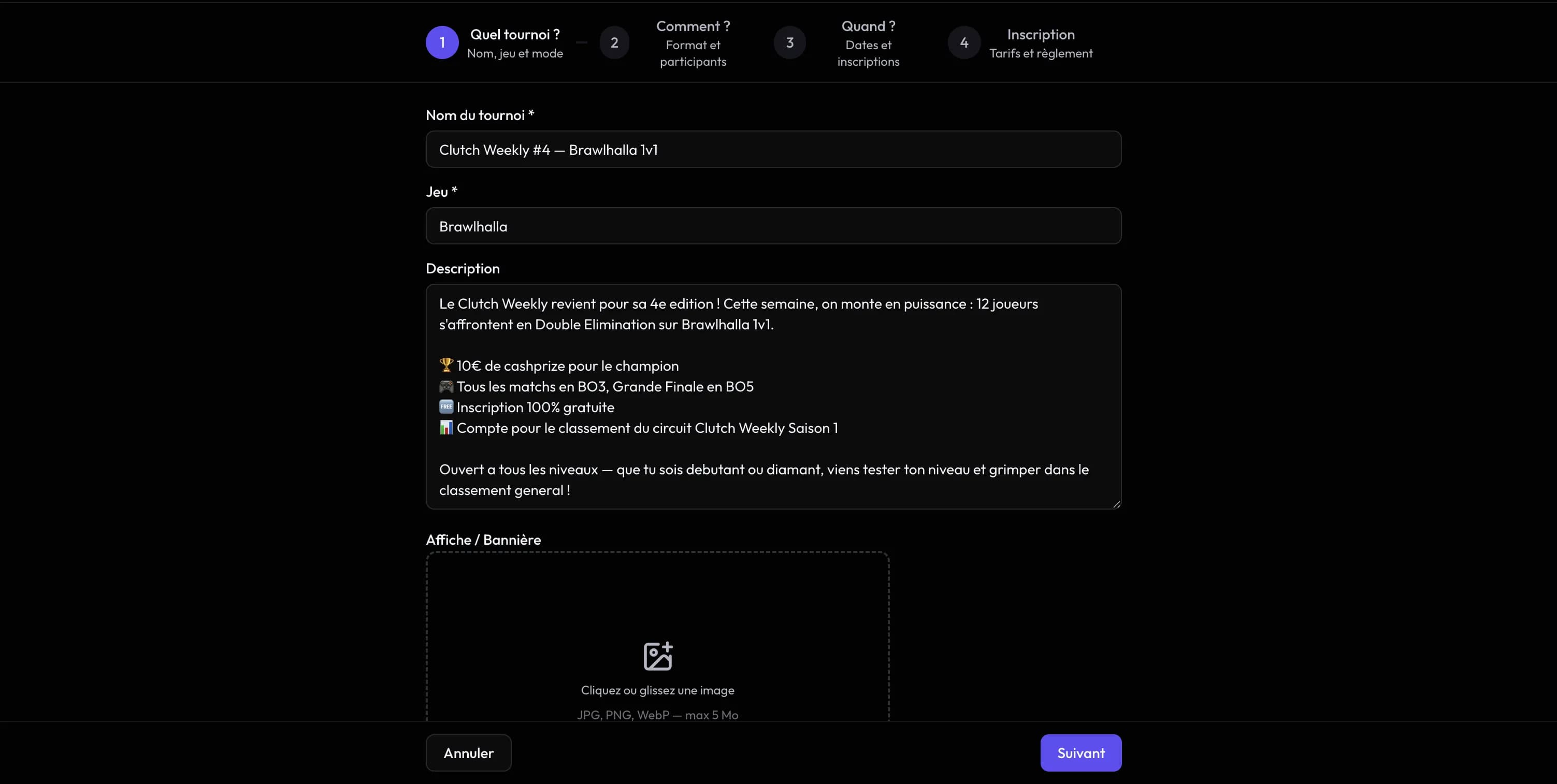
Create your tournament in Clutch, then connect it to your Discord server.
01Discord
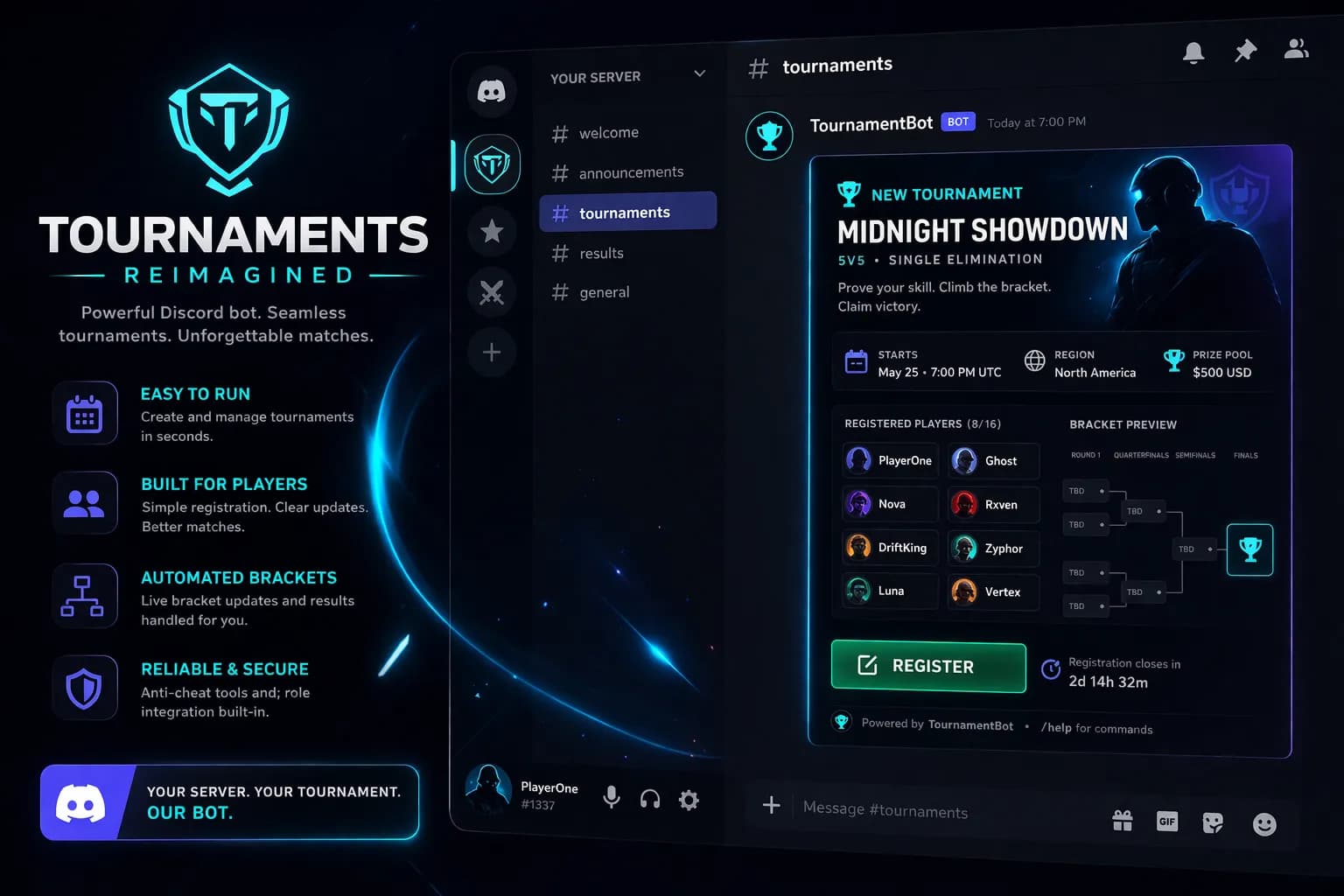
Registration, check-in and scores from Discord. For paid-entry events, the bot links to the Clutch page and the organizer’s payment instructions.
02
The organizer creates a tournament on Clutch. The bot posts an interactive message in the configured channel. Paid-entry registration opens the tournament page; entry fees are paid to the organizer.
When the tournament starts, every match gets its own thread. Players submit scores with buttons. The bracket advances automatically.
See the comparison03
From creation to the podium, in 3 steps.
Create your tournament in Clutch, then connect it to your Discord server.
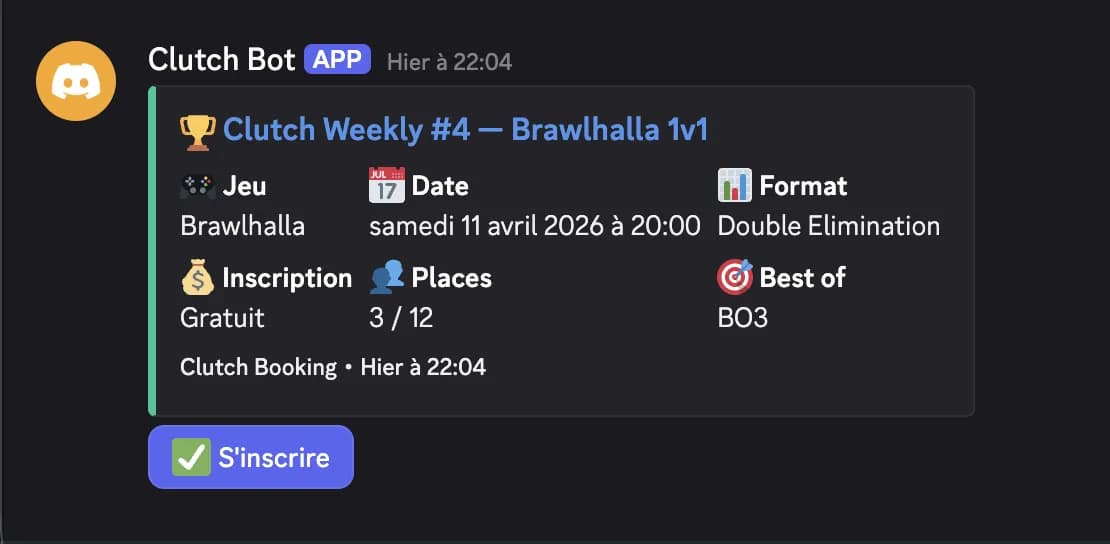
Free-entry registration in Discord, a web link for paid-entry events, check-in and scores through the bot.
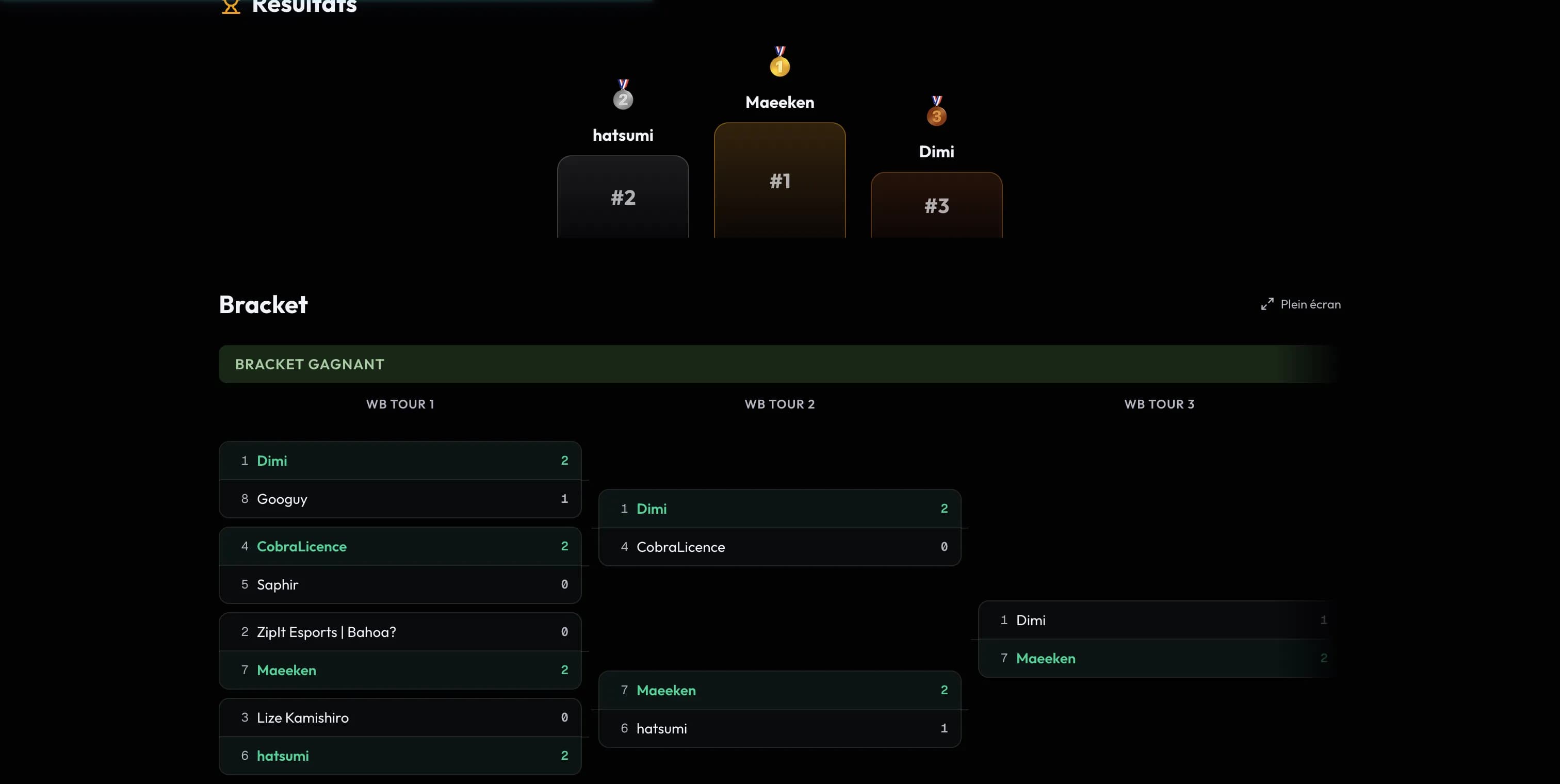
Scores match? The next match is created automatically. ELO, badges, notifications — everything is handled.
04
Check-in, scores and match coordination in your server.
 01
01Register in the channel for free-entry events. Paid-entry events link to the Clutch registration page.
 02
02The organizer explains how to pay the entry fee. Clutch and its bot do not collect these funds.
 03
03The bot posts the check-in. Players confirm with one click. Attendance tracked in the dashboard.
 04
04Every match gets its own thread. Players chat and submit their scores.
 05
05Each organizer installs the bot on their own Discord. Tournaments stay within their community.
 06
06Add the bot to your Discord server and configure your tournament on Clutch. You don’t need to host a server.
05
Discord interactions available through the Clutch bot.
| Feature | Clutch | Toornament | Challonge | Start.gg |
|---|---|---|---|---|
| Discord registration | ||||
| Discord check-in | ||||
| Discord scoring | ||||
| Match threads |
Try managing attendance and scores in our demo first, without an account.